
Configure. Cost. Quote. Build.
Turn complex product choices into controlled configurations, live costs, unique assembly items and manufacturing-ready records, without leaving NetSuite.
Complex products shouldn't mean slow quoting or unreliable costs.
When configuration depends on spreadsheets and product specialists, quotes take longer, costs are uncertain and errors travel from the sales conversation into purchasing, production, finance and the customer experience.
Our Product Configurator is a NetSuite-native tool that brings product choices, manufacturing structures and live costing together on one screen. It keeps the rules, choices and manufacturing data in one controlled NetSuite process, from customer requirement to fulfilment.
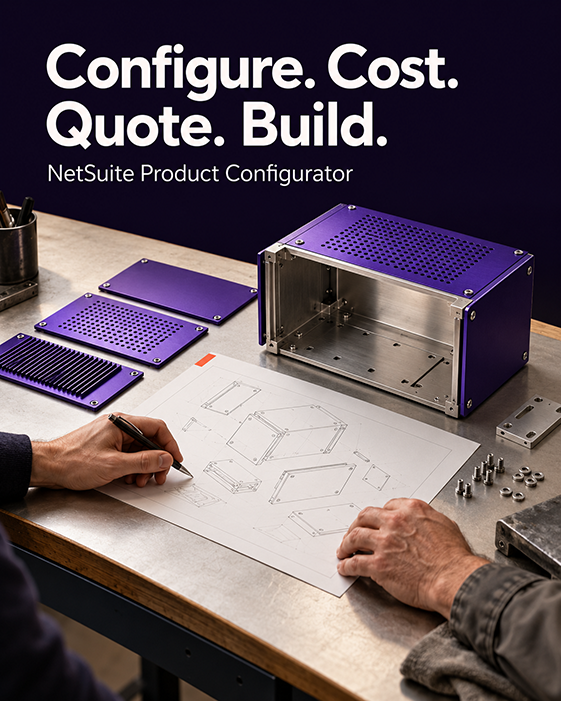
What the configurator controls.
- Configuration orders with customer context and transaction status
- Guided decision trees that show only valid option combinations
- Unique assembly item SKU generation from selected options
- Live component quantities, unit costs and line costs
- Margin-led pricing before commercial commitment
- Standard, lot-tracked or serialised assemblies
- Automatic creation of the assembly item, BOM, revision, routing and price levels
- Quotes, sales orders and quote-to-sales-order conversion
Common uses
- Configurable or made-to-order products
- Quoting that relies on spreadsheets or product specialists
- Frequent BOM, routing or configuration errors
- Margin that needs to be visible before you commit
Routing option
The advanced option also builds unique routing records, creating operations from the components and options chosen. Once the sales order is approved, the work order is created with its unique BOM and routing attached, ready to build, optionally including labour and operational costs.
How it works, screen by screen.
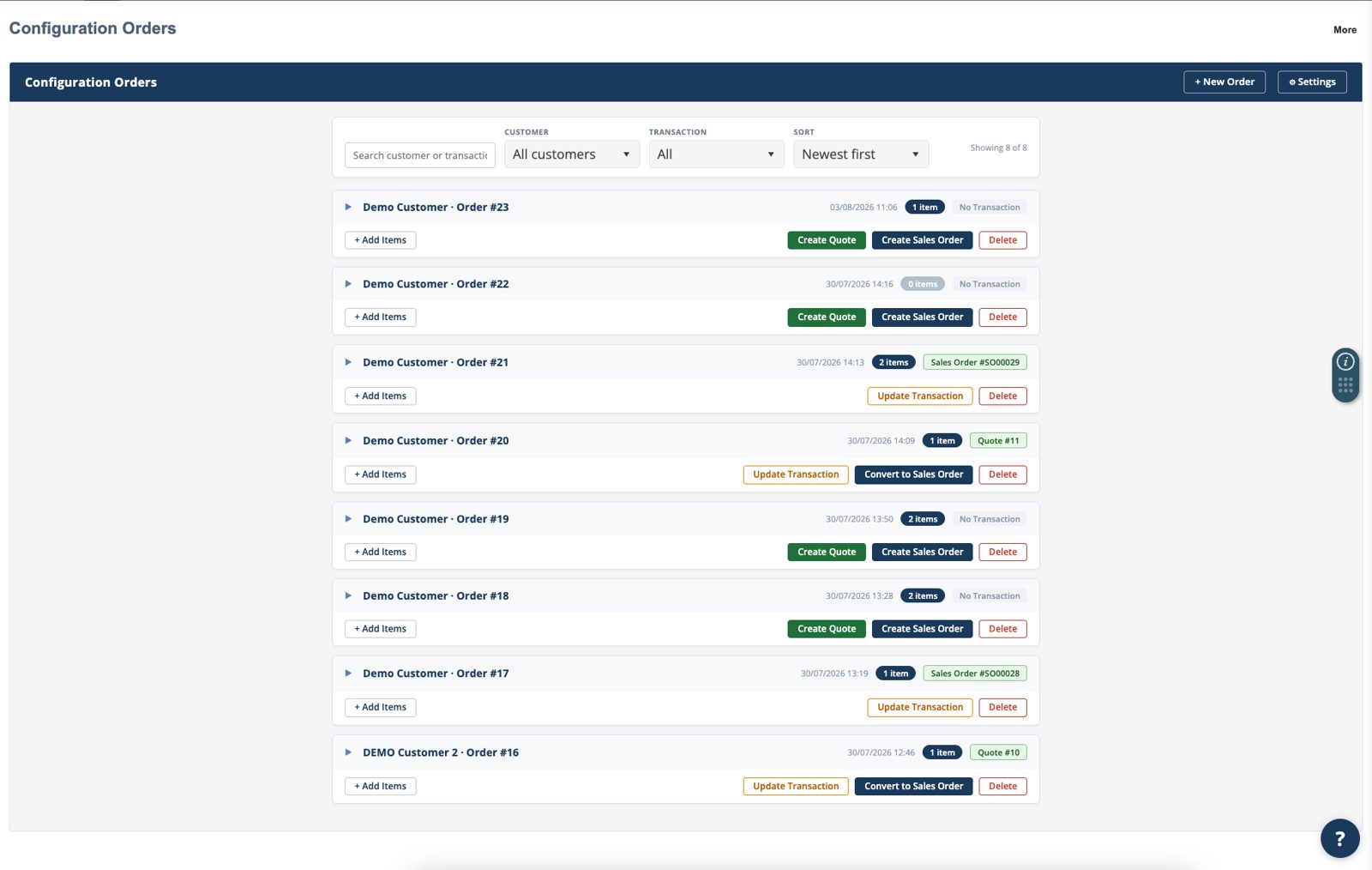
Step 1 · Configuration ordersSee every configuration order in one place.
A clear landing page brings together customer, order, item count and transaction status, so teams can pick up work quickly and see what happens next.
- Search by customer or transaction, filter and sort
- Open an existing order and add more configured parts
- Create a quote or sales order, or convert a quote to a sales order
- Update linked transactions and keep records current
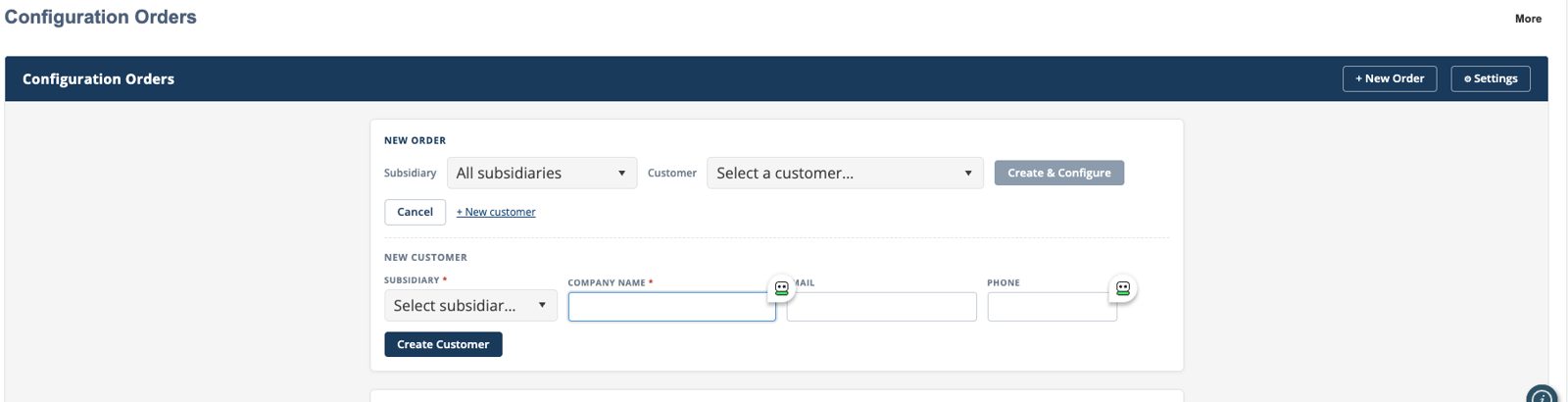
Step 2 · Customer and order setupStart the order without breaking the flow.
Choose the subsidiary and customer, or create a new customer in context, capturing company name, email and phone without leaving the screen. Then move straight into the decision tree, where only the combinations allowed by your rules are shown.
One order, one customer context, multiple configured products.
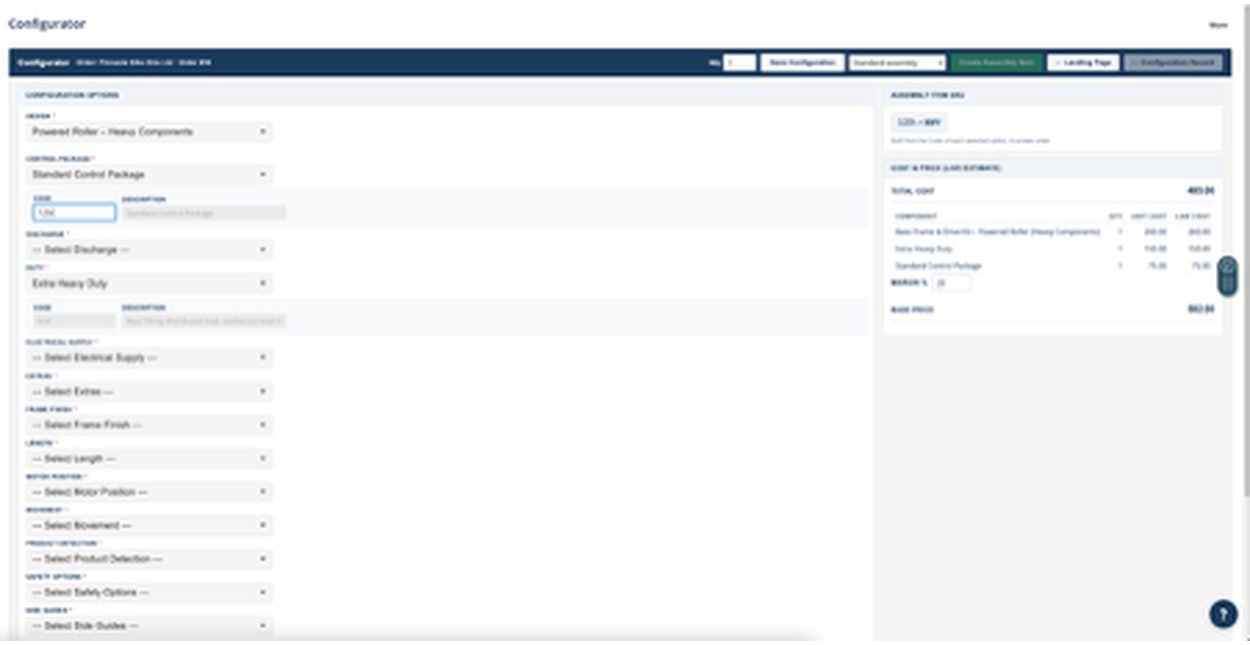
Step 3 · Configure, cost and priceEvery selection updates the product definition.
As the decision tree develops, the configurator builds the part number, adds the required components and updates the live cost and price estimate.
- Unique SKU: built from each selected option code, in screen order
- Live component list: component, quantity, unit cost and line cost
- Margin-led pricing: adjust the margin and calculate the base price
- Save before manufacture, choose the assembly type and set the quantity
Step 4 · Manufacturing recordsCreate the records manufacturing needs.
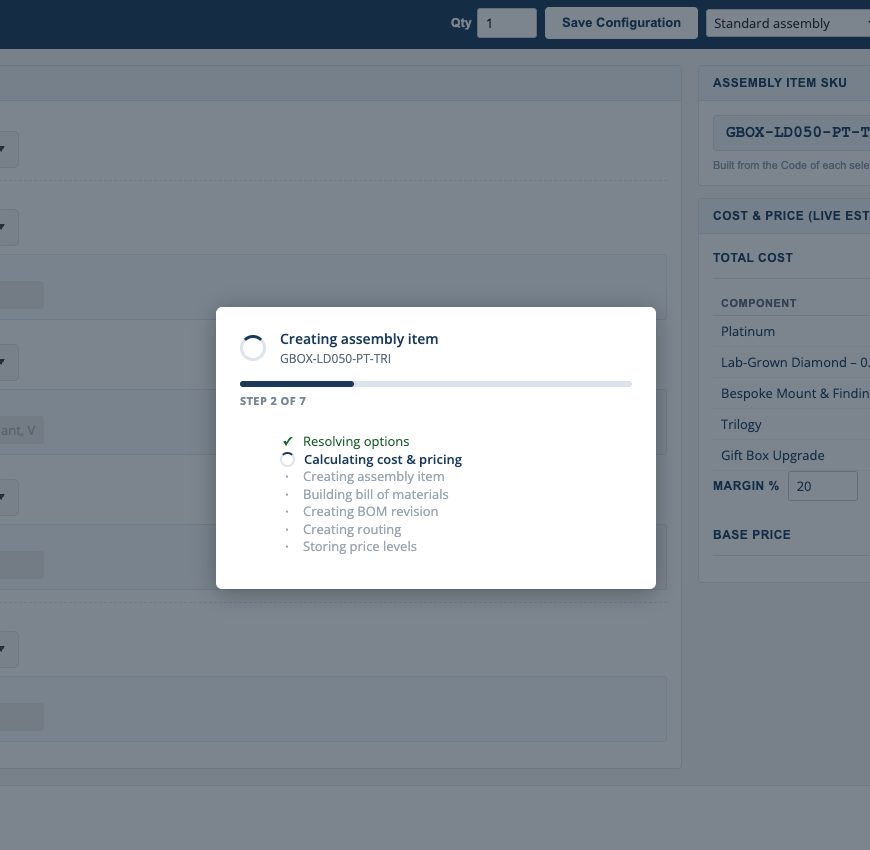
From the approved configuration, NetSuite creates the records with the unique part number and resolved cost data, and users see each stage as it happens.
- Resolve the selected options and dependent components
- Calculate the final cost and pricing
- Create the assembly item
- Build the BOM and revision and attach it to the item
- Create the routing, where routing rules exist
- Store the configured price levels
Connect what is sold to what must be built.
One controlled source of truth, from customer requirement to profitable fulfilment.
Guide the user through options, dimensions, finishes and services.
Decision rules present valid combinations and block incompatible choices.
Generate the SKU, add components and calculate quantities and costs.
See material, labour and machine costs and apply margin.
Create the assembly, BOM and routing, then move into a quote or sales order.
Speed
Shorter quote cycle times and fewer manual checks.
Margin
Clearer cost and margin visibility before commitment.
Accuracy
Fewer configuration, BOM, routing and pricing errors.
Control
Approved rules and data held inside NetSuite.
Scalability
Consistent quoting as your product range and teams grow.
Customer experience
More confident conversations and more reliable delivery.
Native inside NetSuite, supported by the team that built it.
The configurator is added to your NetSuite account and configured around your products, decision rules, component structures, costing and transaction flow. Implementation is scoped to your requirements, and the configurator is self-manageable once it's set up.
Dedicated support and optimisation for configurator environments, including the routing option, is available through our specialist module support.
In a demo, we'll model your
- Products
- Decision rules
- Component structures
- Costing
- Transaction flow
Related pages.
Manufacturing & Production
BOMs, routings, work orders, MRP, quality and traceability.
Find out moreManufacturing
Discrete and process manufacturers.
Find out moreField Service Management
Contracts, engineers, service orders and billing in one NetSuite process.
Find out moreSupport & Managed Services
UK-based managed support, optimisation and strategic partnership.
Find out moreRequest a configurator demo
See how the Product Configurator could model your products, rules and costs inside NetSuite.